How to Test QR Code Readability on Thermal Receipt Paper Before a Bulk Order
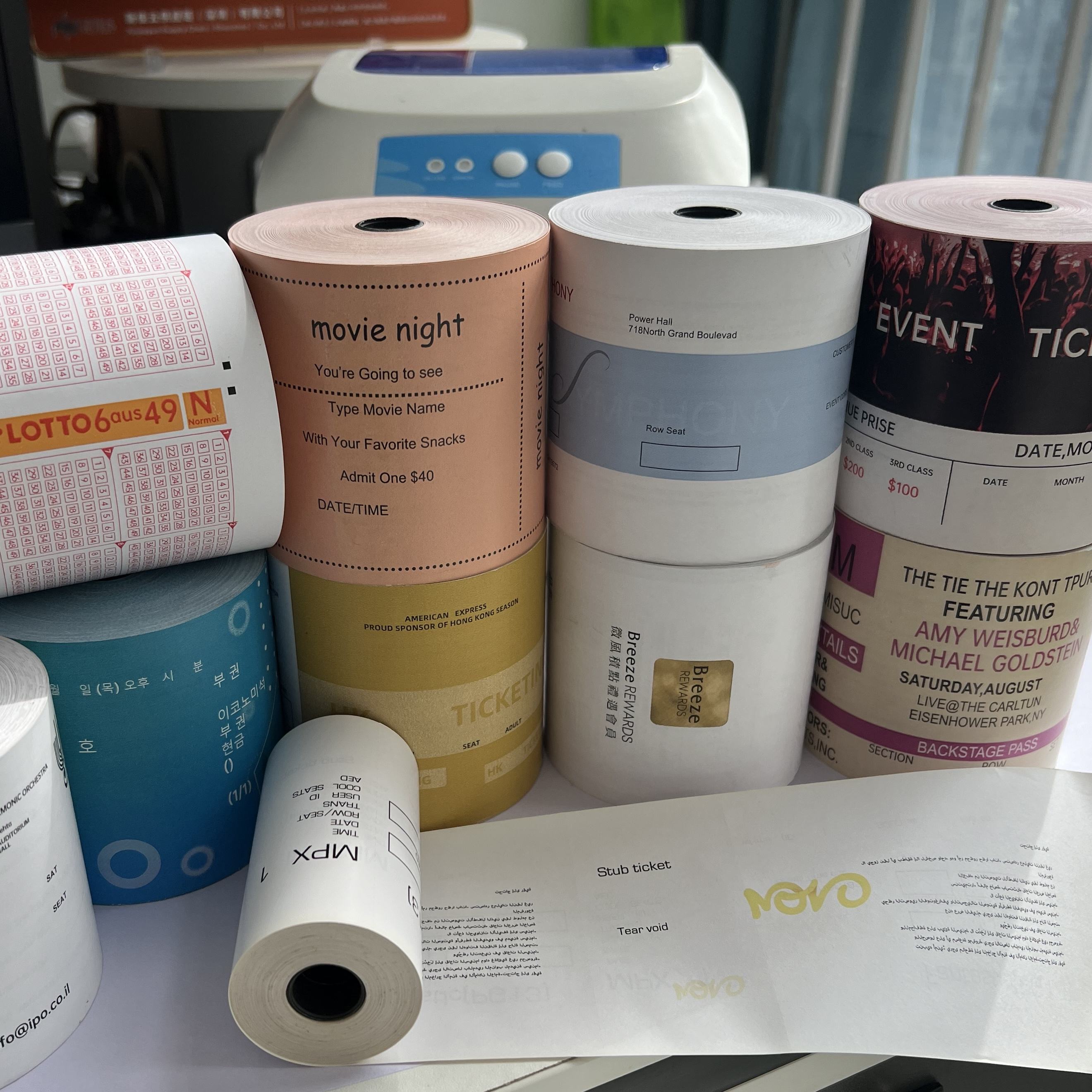
Test QR readability as a complete system: data, code size, POS layout, printer, settings, thermal paper and operating environment. A paper sample that looks dark is not automatically a reliable QR medium. Procurement teams need a repeatable test with recorded inputs and acceptance criteria before approving a bulk order.
Build the Test Around the Real Receipt Workflow
Use the exact hardware and software planned for operation. A desktop sample printer may produce a different result from a high-speed store printer or compact payment terminal.
Record these inputs before testing:
- Printer brand, full model and firmware where available.
- Print speed, darkness or energy setting and driver configuration.
- Receipt width and printable area.
- QR dimensions, data payload and quiet-zone setting.
- Fonts, logos, rules and other content near the code.
- Paper grade, batch, GSM, dimensions and winding direction.
- Scanner or phone models used for verification.
For Saudi simplified tax invoices, QR generation belongs to the compliant invoicing solution. The official ZATCA guidance should be checked for current system requirements. This paper test covers physical output and readability, not legal certification.
Use a Test Matrix Instead of One Sample
Print enough receipts to expose variation. Include the smallest code, longest payload and busiest layout expected in production.
| Test stage | What to do | What to record |
|---|---|---|
| Fresh print | Print at normal settings | Visual density and scan result |
| Setting variation | Test approved density range | Failure threshold and best setting |
| Repeat output | Print a batch of receipts | Consistency from first to last |
| Handling | Fold and lightly abrade samples | Damage and scan result |
| Environment | Store samples under defined conditions | Time, temperature, humidity and result |
| Batch comparison | Repeat with production lot | Match to approved reference |
Avoid uncontrolled tests such as leaving a receipt “somewhere hot” without recording conditions. They may reveal a problem, but they do not create a repeatable acceptance standard.
Inspect More Than Whether the Phone Scans
A successful scan is essential, but visual inspection helps identify a process that is close to failure.
Look for:
- Clear separation between dark and light modules.
- No streaks, white lines or voids through the code.
- No excessive dark spread that closes small gaps.
- A clear quiet zone around the code.
- No overlap from pre-printed artwork or background tint.
- Consistent output across the roll and repeated prints.
Test with several common devices because camera focus and scanning software differ. Define the required scan distance and lighting condition for the buyer's operation. Do not promise a universal scan-rate percentage unless the test population and method are documented.
Diagnose Failures in the Correct Order
When a code fails, do not assume the paper is the only cause. Check the source data and QR generation first, then layout, printer condition, settings and paper.
Common physical causes include a dirty or worn printhead, excessive print speed, low or excessive energy, poor roll contact, coating inconsistency, wrinkled paper and artwork interference. A damaged printer can make an approved paper appear defective. Conversely, changing settings to compensate for an unsuitable paper may create excess printhead heat or inconsistent results elsewhere.
Keep one approved roll and receipt as a control. When testing a new batch, print the control and candidate under the same settings.
Convert the Test Into a Purchase Requirement
Attach the test method to the approval record. Identify the accepted paper grade and batch, printer model, settings, QR layout, sample date and reviewers. For custom rolls, attach the approved artwork revision.
The purchase specification should also state how production samples are selected. A useful plan checks samples across different cartons or parent rolls rather than only the first roll presented by the supplier.
Our receipt paper roll range can be qualified against the buyer's actual printer and QR layout. Request production only after the sample, artwork and test record agree.
Frequently Asked Questions
Does darker thermal printing always improve QR readability?
No. Weak contrast can fail, but excessive dark spread can also reduce module definition. Use the normal printer and find a controlled setting that keeps edges clear.
Can a supplier certify a QR scan rate without the buyer's system?
Not meaningfully. The result depends on the code, layout, printer, settings, paper, scanner and environment. The supplier can support a jointly defined test and provide batch evidence.
Should custom artwork be approved before the QR test?
Yes. Background graphics, logos or fixed text can reduce the quiet zone or overlap variable fields. Test the final artwork and receipt layout together.
Send the printer model, current receipt and test requirements through our contact page to arrange a sample-based compatibility review.
Need thermal paper, labels, or NCR forms?
We normally respond within 24 hours after we receive complete product specifications, quantity, packaging, and destination details.